
Introduction
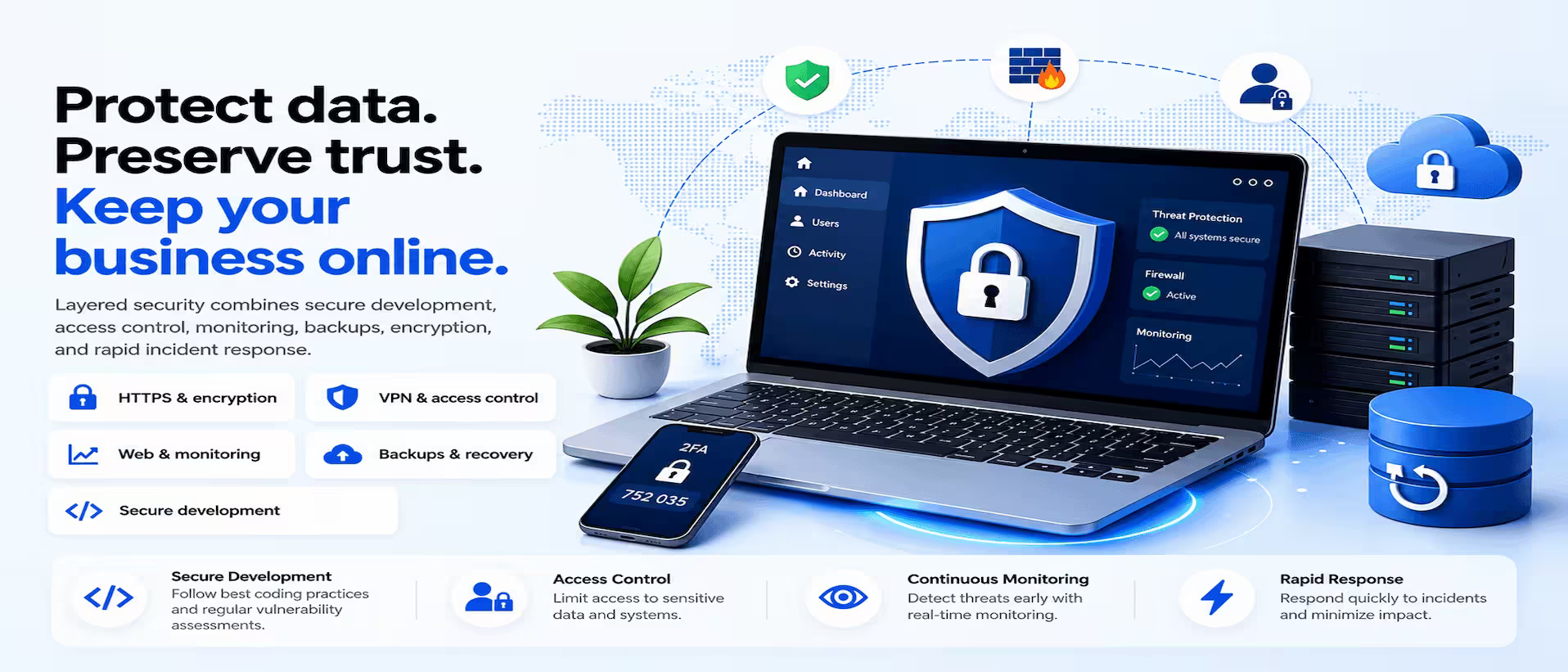
A business website is no longer limited to presenting products or services. It helps organisations communicate with customers, manage processes, share information, and support everyday operations. Because websites often store valuable business data and customer information, including payment and communication details, protecting them from cyber threats has become a major priority.
Malware, phishing attempts, database breaches, ransomware, and distributed denial-of-service attacks can interrupt operations, expose sensitive information, damage customer trust, cause financial loss, and create legal or compliance issues. Strong website security practices, regular updates, and continuous monitoring help protect important data, preserve performance, and provide customers with a safer online experience.
A secure website also strengthens a company’s reputation and builds greater trust among its users.
Why Website Security Matters
Website security is a crucial part of running a successful business in today’s digital world. Whether a company is small or large, protecting its website helps keep information safe, builds customer confidence, and ensures operations continue without unnecessary interruptions.
Strong website security offers several benefits:
As online threats become more common, businesses need to prioritise website security to protect their data, customers, and operations.
Common Website Security Threats
Knowing about common security threats helps businesses stay prepared and prevent them.
Website Security Best Practices
Use HTTPS: Secure your website with an SSL certificate and HTTPS to encrypt data exchanged between the website and its visitors. HTTPS strengthens customer trust, protects sensitive information, and supports better search visibility.
Keep software updated: Regularly update your CMS, plugins, themes, frameworks, libraries, and server software. These updates often contain important security patches that protect the website from known vulnerabilities.
Use strong passwords: Create unique passwords that combine letters, numbers, and special characters. Avoid reusing passwords across accounts and use a trusted password manager to store them securely.
Enable multi-factor authentication: Add an extra verification step to important accounts and administrative areas. MFA helps prevent unauthorised access even when a password has been compromised.
Manage user access: Give each user only the permissions required for their role. Review accounts regularly and remove access for inactive employees, former team members, or users who no longer need website permissions.
Back up the website regularly: Schedule automatic backups, store copies in secure locations, and test the restoration process. Reliable backups make it easier to recover from malware, technical failures, or accidental data loss.
Use a web application firewall: A WAF filters suspicious traffic before it reaches the website and helps block common attacks such as SQL injection, cross-site scripting, malicious bots, and denial-of-service attempts.
Scan for malware: Run regular malware scans to detect infected files, unauthorised changes, hidden scripts, and suspicious activity before they cause serious damage.
Secure login pages: Limit failed login attempts, enable CAPTCHA, protect administrative URLs, and lock accounts after repeated unsuccessful attempts to reduce brute-force attacks.
Validate user input: Check and clean all information submitted through forms, search fields, URLs, login pages, and registration pages. Proper validation helps reduce SQL injection and cross-site scripting risks.
Encrypt sensitive data: Protect passwords, payment information, customer records, API keys, and authentication tokens with appropriate encryption methods both during transmission and while stored.
Secure APIs: Use authentication, authorisation, encrypted traffic, request validation, rate limiting, and access controls to protect APIs from misuse and data breaches.
Monitor website activity: Track login attempts, file changes, traffic patterns, server activity, errors, and unusual behaviour. Monitoring tools should send alerts when suspicious activity is detected.
Choose secure hosting: Select a hosting provider that offers SSL certificates, firewalls, malware scanning, automated backups, DDoS protection, server monitoring, and regular updates.
Perform regular security audits: Review user permissions, software versions, server settings, backups, firewall rules, SSL certificates, and known vulnerabilities to identify and fix weaknesses before attackers can exploit them.
Signs Your Website May Be Compromised
Your website may be compromised if it begins loading unusually slowly, visitors are redirected to strange URLs, or unknown administrator accounts suddenly appear. Unexpected pop-ups or advertisements can also signal that unauthorised scripts or malicious content have been added to the site.
Other warning signs include browsers or search engines showing security warnings, important files or data going missing, search rankings dropping unexpectedly, or the server behaving abnormally. If any of these issues appear, the website should be checked immediately to identify and contain the problem.
What to Do If Your Website Is Hacked
Every business should maintain an incident response plan so the team knows what to do when a security issue occurs.
Future Trends in Website Security
Website security continues to evolve as cyber threats become more advanced. Several developments are shaping the next phase of online protection for businesses.
AI-Powered Threat Detection
Artificial intelligence will play a bigger role in identifying suspicious behaviour, detecting patterns faster, and helping teams respond before threats spread across a website or system.
Zero Trust Security
Zero Trust models will continue to grow, requiring every user, device, and request to be verified continuously instead of being trusted by default after login.
Passwordless Login
Biometrics, security keys, and trusted devices are expected to reduce dependence on traditional passwords and help lower the risk of stolen credentials.
Stronger Cloud and API Security
As websites rely more on cloud platforms and connected services, businesses will need tighter access policies, better encryption, request validation, and stronger API protection.
Continuous Scanning and Privacy-Focused Development
Automated vulnerability scanning will become more advanced, making it easier to find outdated software and insecure settings. At the same time, privacy-focused development will become more important, encouraging websites to collect less data, offer clearer consent controls, and protect personal information from the beginning.
Final thought
Website security is not a one-time task. It is an ongoing process that requires continuous monitoring, regular updates, and careful maintenance. As cyber threats become more complex, businesses need to combine secure development practices with modern security tools and clear response procedures.
A secure website protects customer data, supports business continuity, strengthens reputation, and provides a safer experience for every visitor. Following these best practices can significantly reduce the risk of an attack and help keep your website reliable and protected.